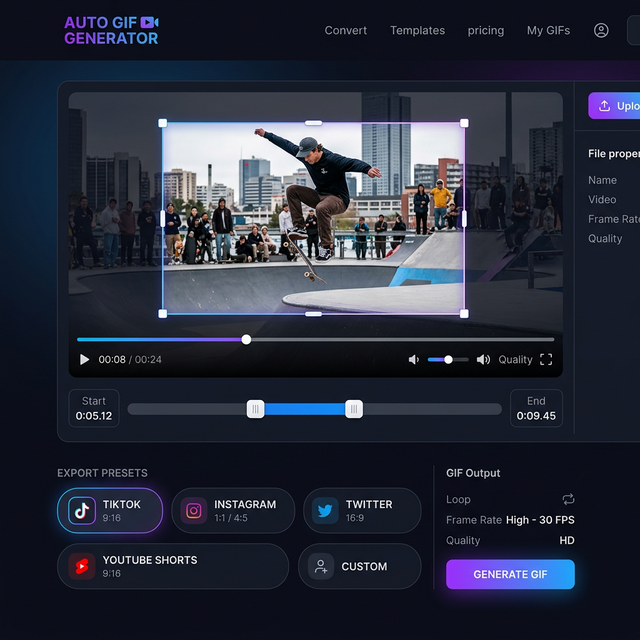
Auto Clip to GIF: The Magic of Seam-less Video Trimming
Discover the easiest way to auto clip to GIF. Transform long videos into short, shareable clips automatically using smarter trimming tools and AI-driven selection.
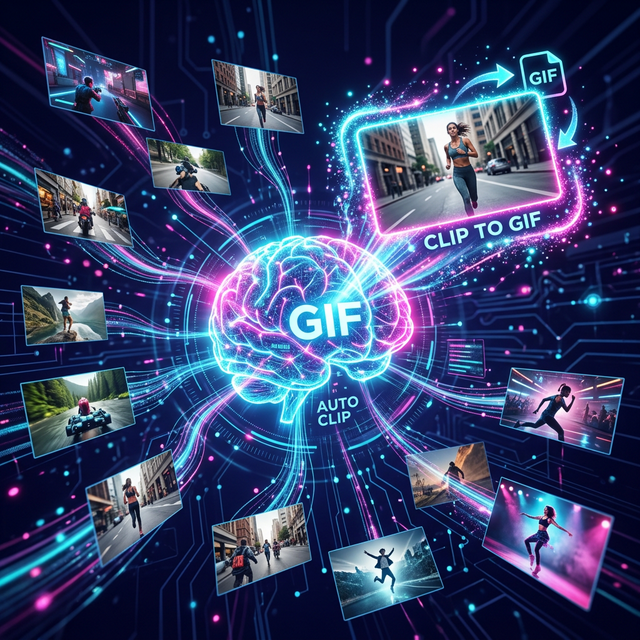
Gone are the days of scrubbing through hours of footage just to find a 5-second highlight. With the rise of auto clip to GIF technology, the heavy lifting of video editing is now handled by intelligent algorithms. This is more than just a convenience; it's a revolutionary way to handle content at scale.
In this article, we'll dive into how auto-clipping works and why it's the future of GIF creation.
The Evolution of Clipping
In the early days of the web, "clipping" meant downloading a video, opening it in a heavy editor like Premiere Pro, and manually exporting a GIF. Today, the process is decentralized and automated.
What is "Auto Clip"?
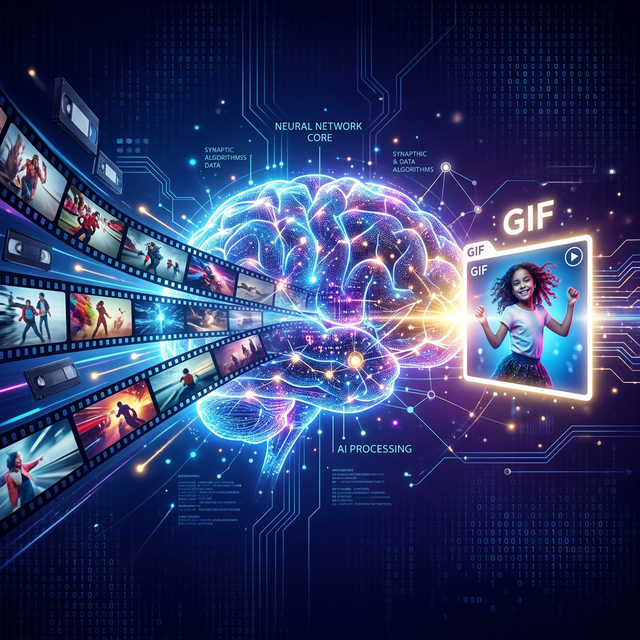
An auto clip to GIF workflow uses metadata, audio peaks, or visual action detection to identify the most significant parts of a video. Instead of you finding the action, the action finds you.
Why Speed Matters for Creators
As a team that supports thousands of content creators at CropGIF, we know that speed is everything. If it takes you 10 minutes to make a GIF of a trending moment, you've already missed the viral window. Auto-clipping reduces that time to under 10 seconds.
How Auto Clipping Works
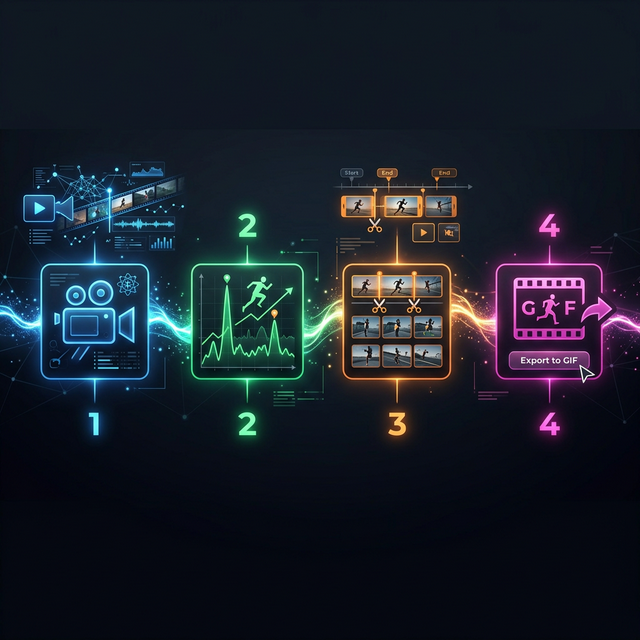
Our proprietary engine follows a 4-step process to ensure you get the best results:
- Scene Detection: Our algorithm scans the video for significant changes in pixels or audio.
- Peak Identification: It looks for "action peaks"—moments where the intensity is highest.
- Smart Buffer: It automatically adds a small buffer before and after the peak so the GIF doesn't feel abrupt.
- Instant Preview: You get a suggested clip that you can either accept or micro-adjust.
Benefits of Automated Trimming
| Benefit | Description | | :--- | :--- | | Consistency | Every GIF has a similar pacing and rhythm. | | Batch Processing | Create dozens of GIFs from a single long video in one go. | | Discovery | Find epic moments you might have missed during manual review. | | Quality | Auto-clipping tools often apply best-practice settings by default. |
Use Cases for Auto Clip to GIF
Podcasters
Turn a 60-minute interview into 20 bite-sized "nuggets" for social media.
Streamers
Automatically capture "Clutch" moments from a 4-hour stream without watching the whole thing back.
Marketers
Turn a product demo into several feature-specific GIFs for an email campaign.
FAQ: Boosting Your Productivity
Q: Can I still manually adjust an 'auto' clip? A: Yes! The "auto" part gives you a perfect starting point. You can always slide the markers for that extra touch of perfection.
Q: Does auto-clipping work for all video lengths? A: Most tools work best for videos under 10-20 minutes, though advanced server-side tools can handle full-length movies.
Conclusion: Work Smarter, Not Harder
The best creators aren't the ones who work the hardest; they're the ones who use the best tools. By switching to an auto clip to GIF workflow, you free up your time to focus on what matters: the story.
Experience the 'Magic' of Auto Clipping on CropGIF.
About CropGIF Team
Editorial Team · CropGIF
We build and maintain CropGIF and write practical guides for image optimization and web performance.